

PyCharm-Professional
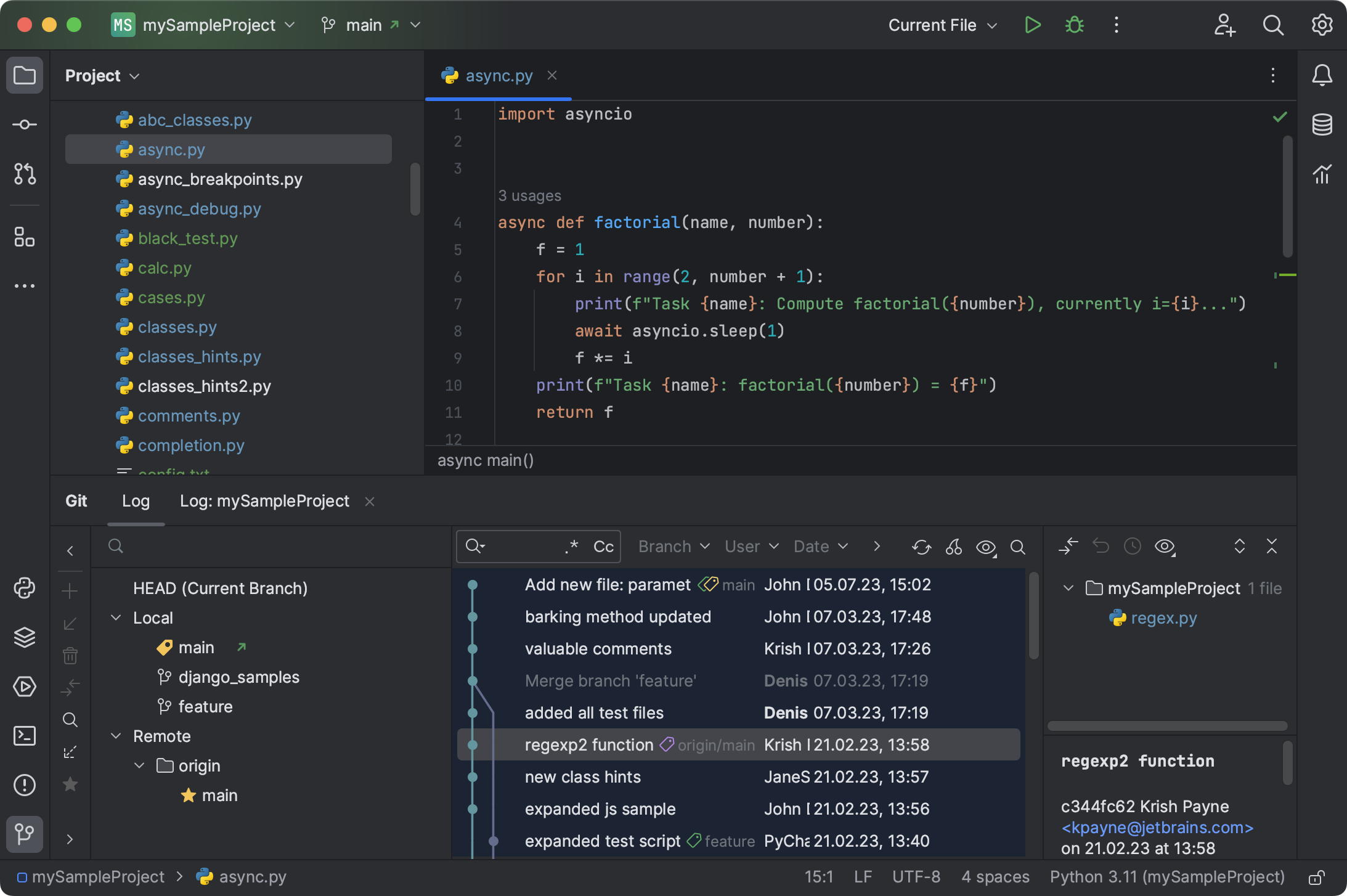
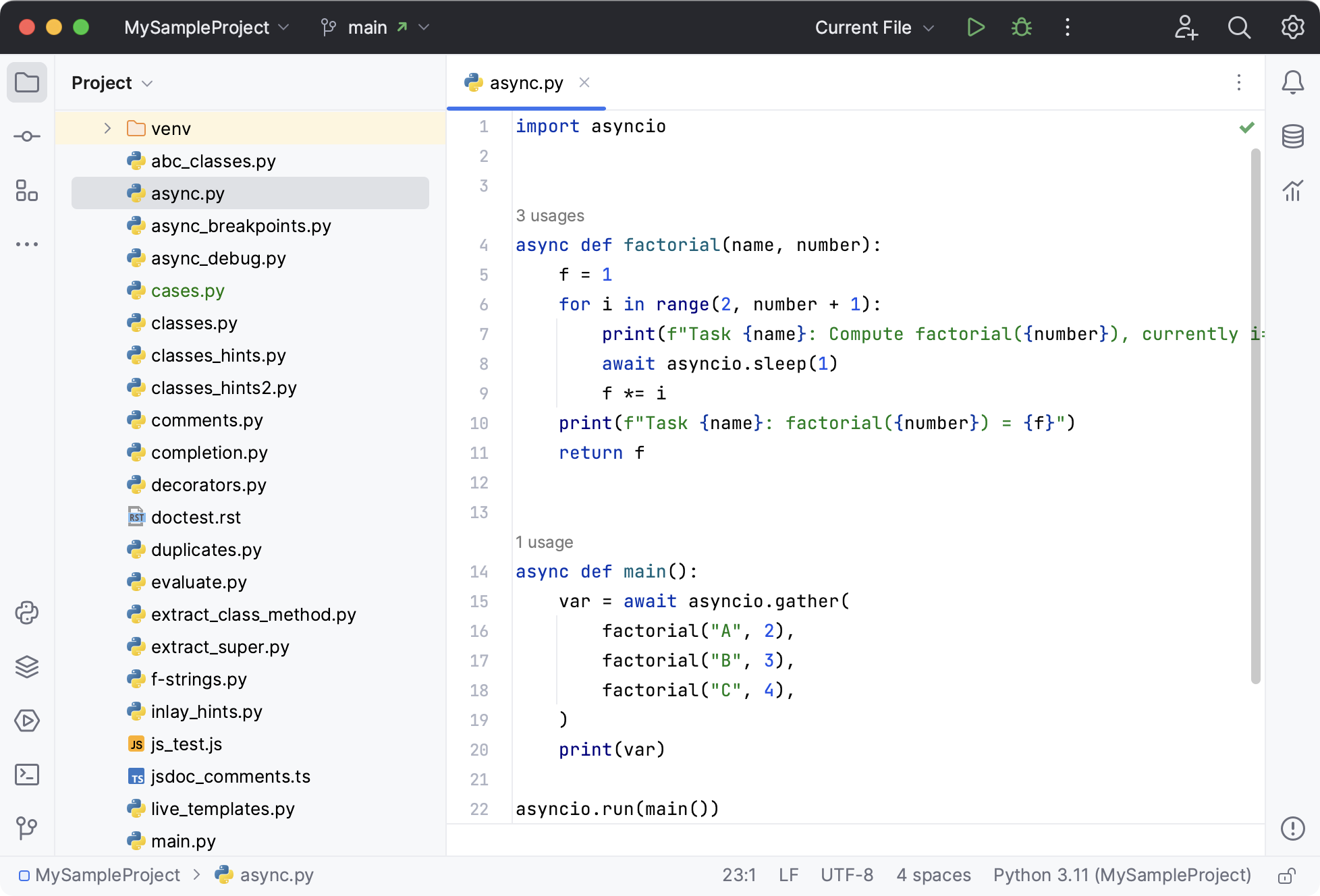
Discover PyCharm-Professional, the premier Linux IDE for Python developers. Read our full review of its advanced web framework and scientific tools.
While many text editors can handle basic scripting, the PyCharm-Professional Python IDE stands out as a fully-equipped powerhouse engineered specifically for complex, enterprise-level development. For Linux developers who need more than just syntax highlighting, this integrated development environment provides a deeply intelligent ecosystem that understands your code structure from the ground up.
Why PyCharm-Professional Python IDE Redefines Linux Development
The hallmark of the PyCharm-Professional Python IDE is its unmatched smart code assistance. Instead of simple text completion, it offers context-aware code completion, on-the-fly error detection, instant quick-fixes, and safe automated refactoring. This ensures that even massive codebases remain clean, maintainable, and easy to navigate.
Full-Stack Web & Scientific Capabilities
Unlike basic editors, this professional environment is pre-configured to support modern development workflows out of the box:
- Advanced Web Frameworks: Seamless integration with Django, Flask, Google App Engine, Pyramid, and web2py.
- Scientific Computing: Built-in support for Jupyter (IPython) Notebooks, an interactive Python console, and seamless compatibility with Anaconda, NumPy, and matplotlib.
- Polyglot Development: Native support for JavaScript, TypeScript, CoffeeScript, Cython, SQL, HTML/CSS, AngularJS, and Node.js.
Enterprise-Grade Tooling Built In
This IDE eliminates the need to cobble together third-party plugins. It comes equipped with a high-performance debugger, an integrated test runner, a Python profiler, a local terminal, and comprehensive database tools alongside robust version control system integration.
Who Is This IDE For?
If you are a professional software engineer, data scientist, or full-stack developer working on Linux, the PyCharm-Professional Python IDE offers the reliable, high-end infrastructure required to streamline your daily workflow and eliminate routine coding bottlenecks.
To integrate this powerful tool into your development setup, visit the official Flathub store page to explore installation options for your Linux distribution.