Polarr Pro Photo Editor
Read our comprehensive review of Polarr Pro Photo Editor for Mac. Discover how this AI-powered design tool elevates your desktop photography workflow.
The Ultimate Solution for Precision Mac Photo Editing
For Mac creators looking to elevate their photography without the steep learning curve of traditional desktop suites, Polarr Pro Photo Editor offers an incredibly smart, fluid solution. Developed by Polarrcan Software Inc, this design application bridges the gap between quick, intuitive adjustments and deep, professional-grade selective editing. Whether you are correcting a quick snapshot or fine-tuning a professional portfolio, the software provides a highly responsive environment tailored specifically for macOS users.
Intelligent Selection with AI-Driven Tools
The standout feature of Polarr Pro Photo Editor is its integration of intelligent segmentations. Instead of spending hours meticulously drawing paths around your subjects, the application utilizes advanced AI to instantly detect and isolate key elements in your frame:
- Subject and Sky Isolation: Separate the background from your main subject with a single click to apply dramatic environmental changes.
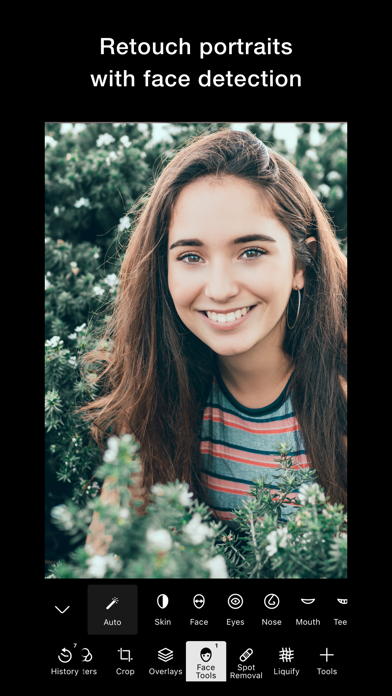
- Advanced Face Detection: Identify facial features automatically to make subtle, natural enhancements to portraits.
- Versatile Masking: Combine brush, radial, gradient, and color masks for absolute control over specific regions of your image.
A Vast Toolkit for Global and Creative Adjustments
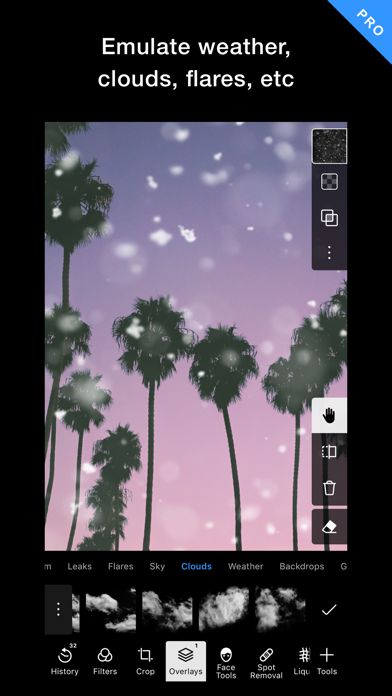
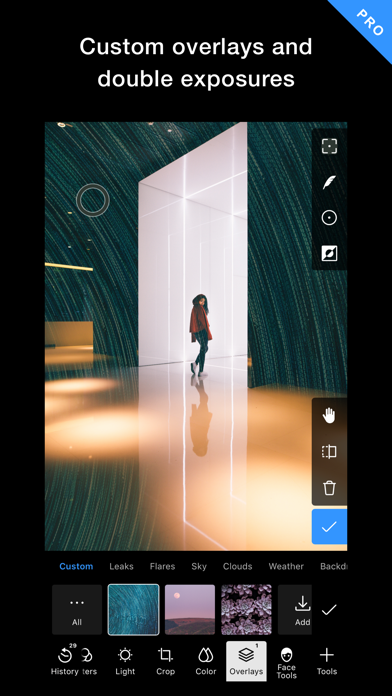
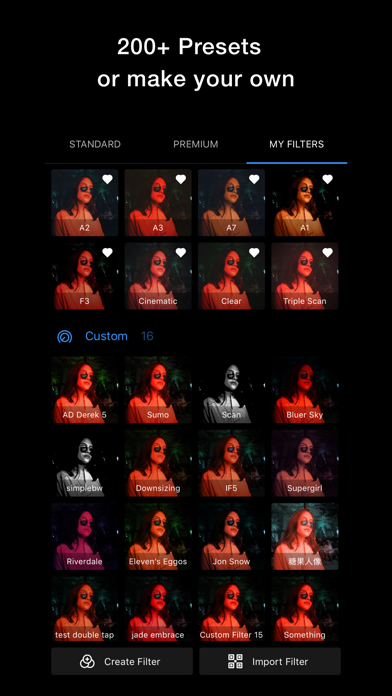
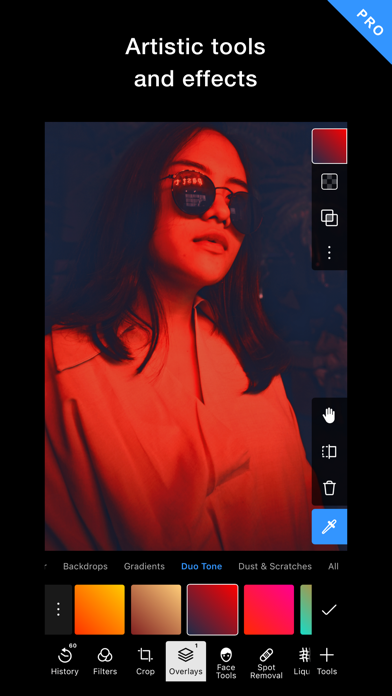
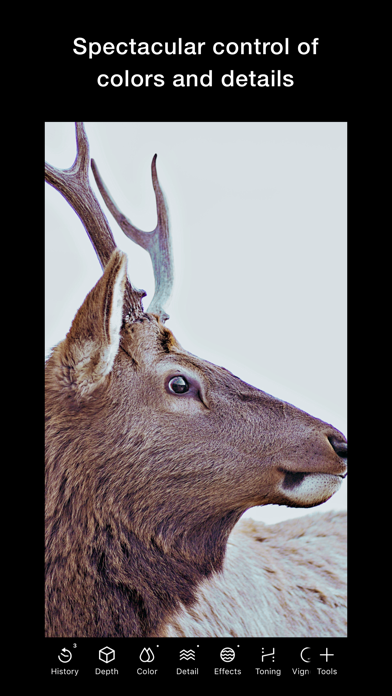
Beyond its selective capabilities, Polarr Pro Photo Editor serves as a complete digital darkroom. Users have access to over 100 free adjustment tools to fine-tune exposure, color temperature, details, and tone curves. If you prefer a faster workflow, you can explore more than 200 pre-made filters designed for diverse photography scenarios, or craft and share your very own custom presets. Additionally, the platform supports creative overlays—including text, shapes, and custom graphic effects—allowing you to produce unique promotional assets or stylized art directly on your Mac.
Streamlined Workflow for Enthusiasts and Pros
Efficiency is central to the desktop experience. The application features batch exporting and customizable watermarking tools to help you process large libraries of images simultaneously. It is designed to fit seamlessly into the macOS ecosystem, offering an intuitive interface that keeps your workspace clean and distractions to a minimum. Whether you want to make quick global color corrections or dive deep into complex multi-mask compositions, the platform adapts beautifully to your skill level.
Is It Right for You?
If you need a highly capable design tool that balances simplicity with sophisticated AI-assisted masking, this application is an excellent addition to your Mac creative suite. To explore its features and view licensing options, visit the official Apple App Store today.