
nxshell
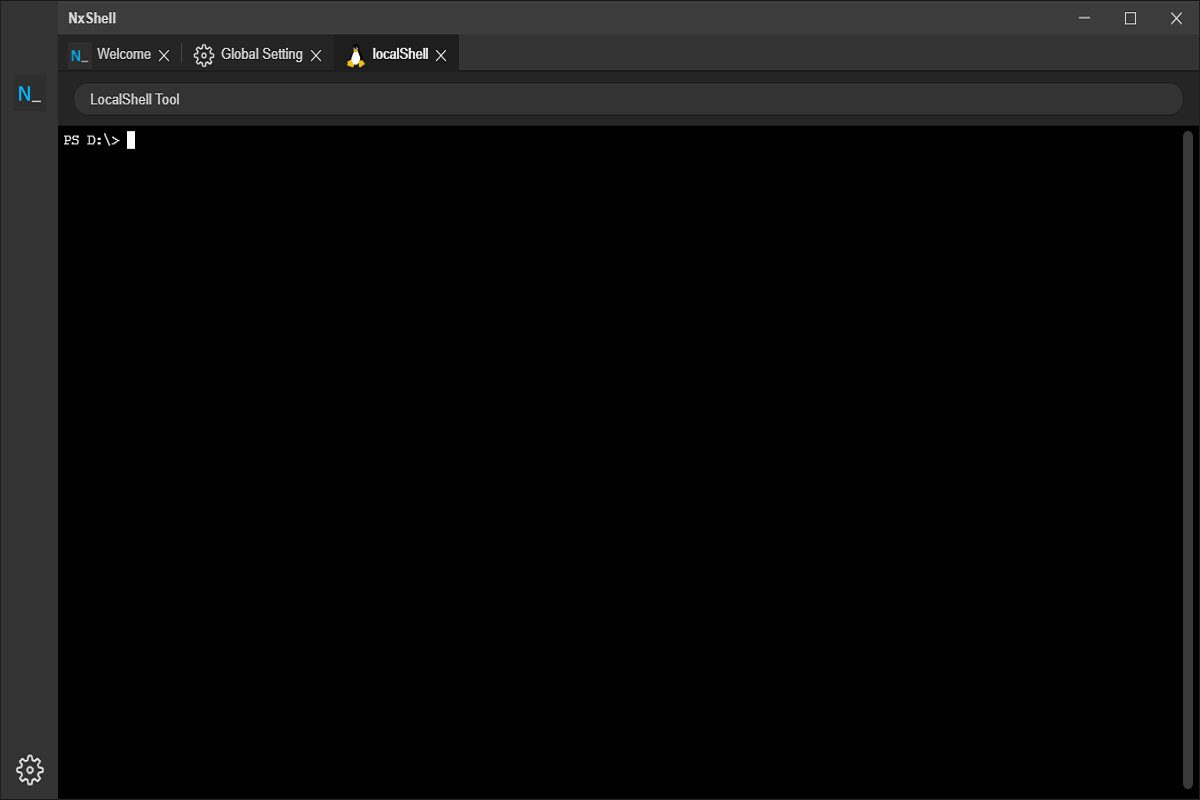
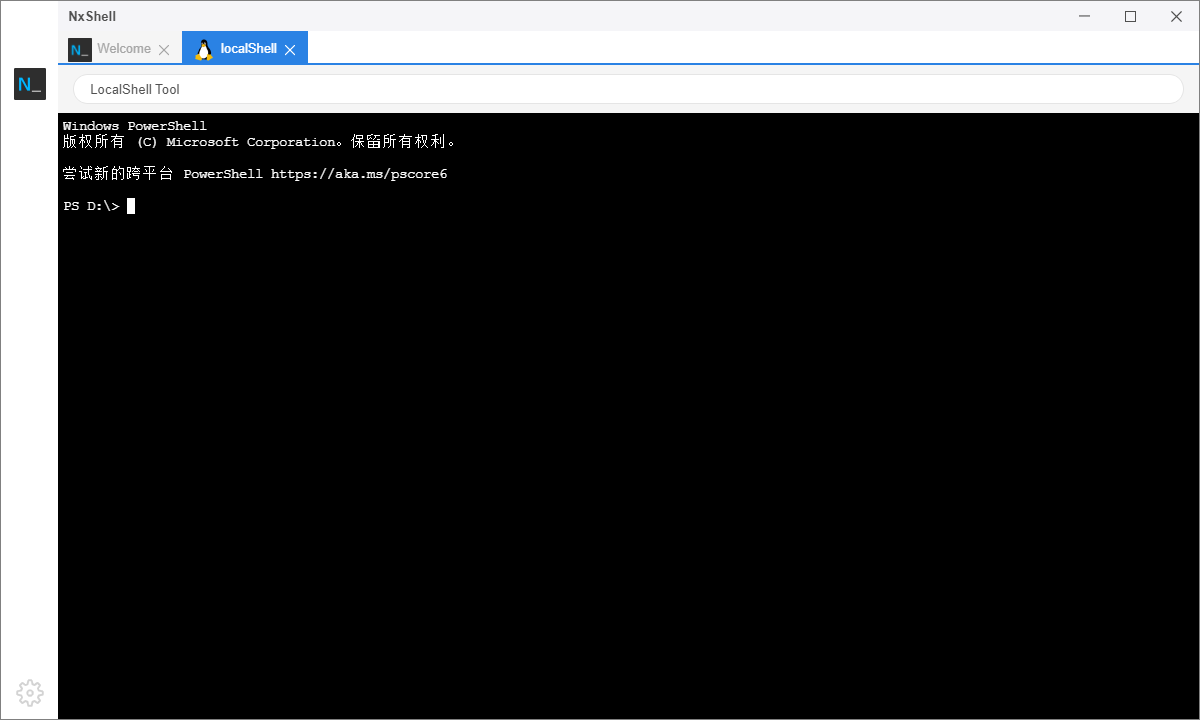
Discover how nxshell simplifies remote server management. Read our full review of this cross-platform terminal emulator and SSH connection manager.
A Modern Approach to Command-Line Management
Managing remote servers and executing complex terminal commands often requires a tool that balances robust features with user-friendly design. The nxshell terminal emulator is designed to meet this exact need, providing IT professionals and developers with a cohesive, cross-platform environment to handle SSH connections and shell operations. Rather than wrestling with disjointed tools, this application consolidates your command-line workflow into a single, intuitive interface.
Key Features of the nxshell Terminal Emulator
For those seeking to streamline their daily remote administration tasks, this software offers several standout capabilities:
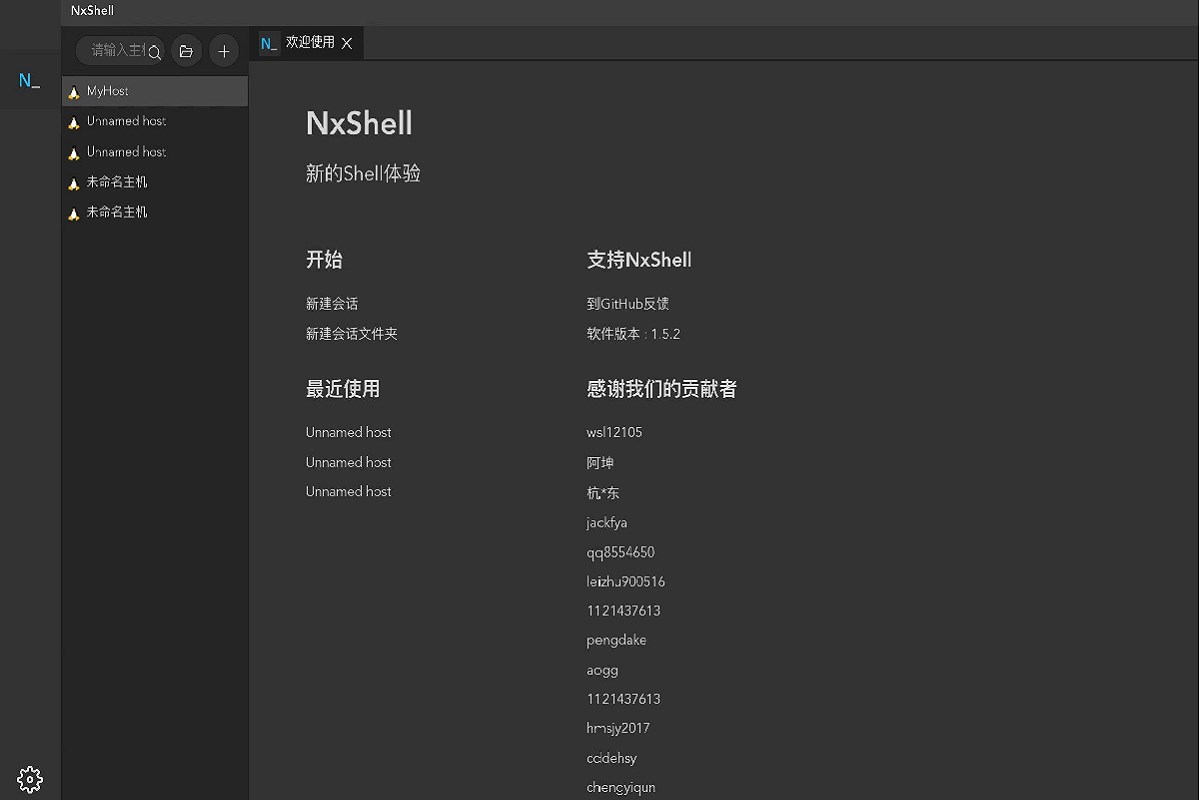
- Seamless SSH Connections: Easily configure, save, and launch secure shell sessions to remote Linux or Unix servers.
- Multi-Platform Consistency: Built to function reliably across different desktop operating systems, ensuring your workflow remains identical whether you are on Windows or other systems.
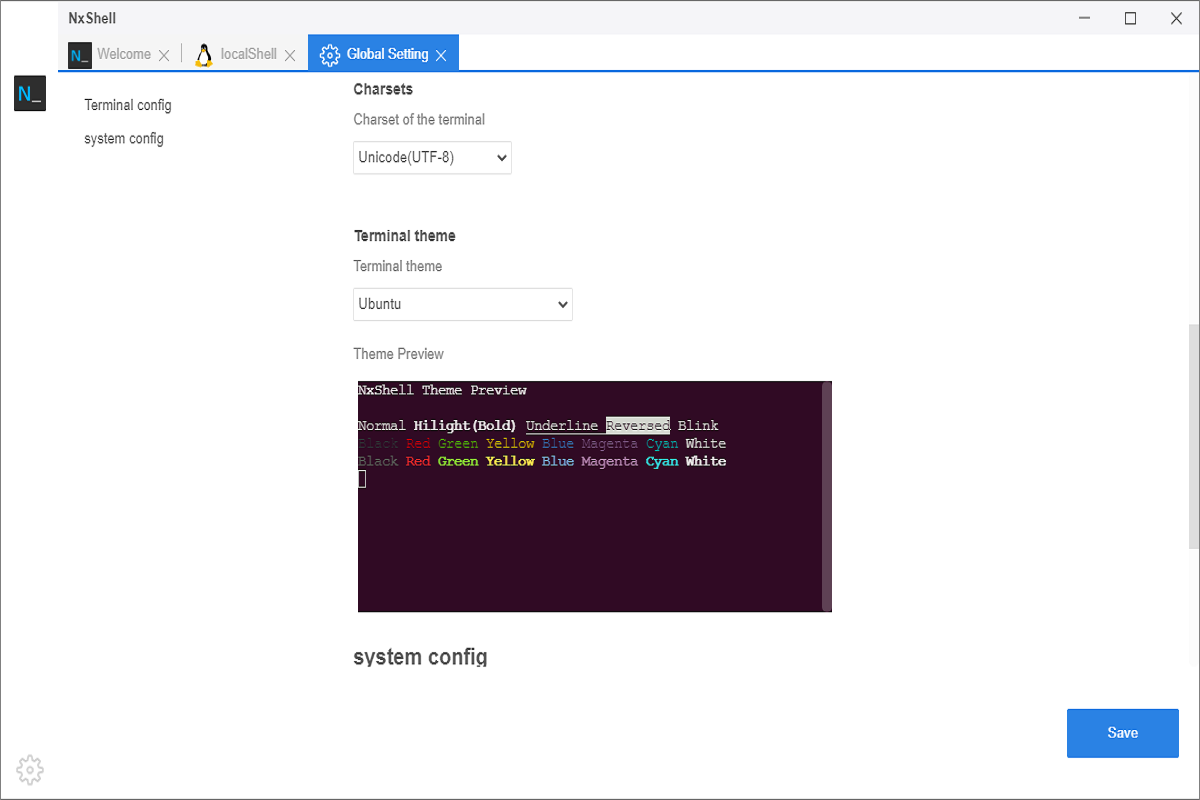
- Clean Tabbed Interface: Keep your workspace organized by running multiple terminal sessions side-by-side in a tabbed layout.
- Simplified Command Execution: Run local shell commands and remote operations without switching between different terminal windows.
Who Is This Terminal Emulator For?
The nxshell terminal emulator is primarily built for system administrators, DevOps engineers, and backend developers who spend a significant portion of their workday inside a terminal. If you regularly manage cloud infrastructure, configure remote VPS environments, or simply need a clean, modern alternative to the default system console, this utility provides the structure and ease-of-use required to boost your productivity.
Streamline Your Terminal Workflow Today
If you are looking to upgrade your current command-line setup with a reliable, feature-rich tool, this application is highly worth considering. Its clean design and cross-platform capabilities make remote server management a much smoother experience. To explore its features firsthand, you can find the application available on the official Microsoft Store.